
Guides
What garage door service software should measure
Garage door service software judged on whether it remembers the door: the five records, the numbers worth a monthly look, and migrating without losing history.
What to take away
- The system's first job in this trade is remembering the door. A record that says "garage door repair" and nothing else is worthless on the next visit.
- Five records make everything else possiblethe customer, the door, the visit, the parts, and the person who did the work.
- Measure a small number of things that change a decision. A dashboard nobody acts on is a report, not a measurement.
- Whatever you use, you must be able to get your data out of it. Test that before you depend on it.
- Security is now part of running any business that keeps customer addresses. Treat it as basic operating hygiene rather than an advanced topic.
What the system has to remember about a door
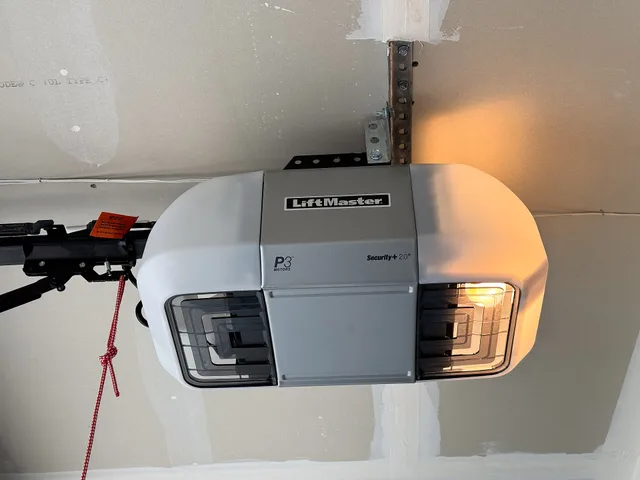
Every household is a repeat customer eventually, and the second visit is much cheaper if the first one was recorded properly. In this trade that means recording the equipment, not just the job.
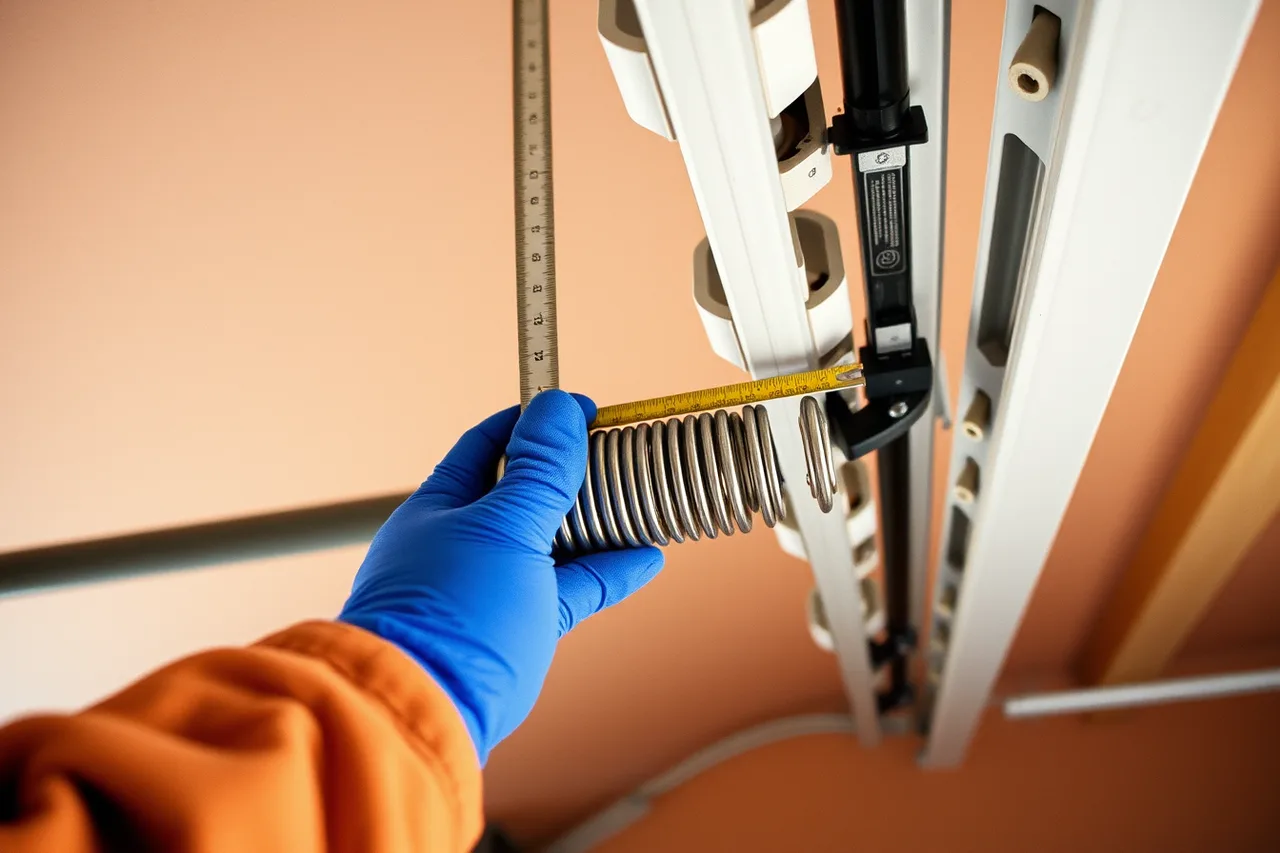
At minimum, record per door: door type, approximate age, opener type and how it is controlled, findings from each visit, what was replaced, and photographs.
Counterbalance components are matched to the individual door. A record that captures the door's specifics lets you arrive with the right part next time instead of diagnosing it twice.
Multi-door sites make this decisive rather than merely useful. A property manager with dozens of doors expects you to know which one is which, and a shop that cannot is doing a survey on every call-out.
The five records
| Record | Holds | Why it earns its place |
|---|---|---|
| Customer | Contact, site, access notes, who authorizes work | Access problems are a common cause of failed visits |
| Door | Type, age, opener, history, photographs | Determines what goes on the truck |
| Visit | Reported, found, done, time, scope given, outcome | The basis of pricing, quality, and any dispute |
| Parts | What was used, from which vehicle, at what cost | Restocking and margin analysis both depend on it |
| Person | Who attended, and what they were signed off for | Answers the insurer's question and the dispatch question |
Everything else a system offers is convenience. These five are the business.
Choosing between what you have and what you are sold
A spreadsheet plus a shared calendar plus a phone camera is a legitimate system for a one-vehicle shop, provided it captures the five records and can be searched a year later. It fails at a predictable point: when more than one person needs the same information at the same time in different places.
When that point arrives, the question is not which product is best. Ask which one carries the five records for how you actually work: in a garage with no signal, on a phone, at eight in the evening.
Judge candidates by whether a technician will complete the record on site. A system filled in later is filled in from memory.
The numbers worth a monthly look
Keep the list short enough that each number has an owner and an action attached.
Numbers worth a monthly look
- Completed visits per vehicle per weekvisits per vehicle per week.
- Share of visits that closed on the first trip.
- Callback count, classified by cause rather than counted as one number.
- Contribution per visit, after parts and travel.
- Calls answered against calls receivedcalls.
- Days from work completed to money received.
Each one matters only against your own history. Set the level that would make you act, write it down, and review it when the business changes, not when a number moves once.
The pricing structure behind the contribution figure is in the pricing and profit guide. The operational levers behind the first three are in the operations and workflow guide.
Data you cannot recover if you lose it
Some of what a shop records can be reconstructed. Job photographs, technician notes, and the door history cannot. That distinction should drive how you back up and where you keep things.
Two failures are common. The first is photographs living on a technician's personal phone, which leave when the technician does. The second is a shop that keeps its history inside a system it never tested an export from, and then finds out at renewal what portability actually means.
The general record-keeping baseline is well described in the IRS guidance on records a business should keep. This trade adds the visual and equipment history on top, because that is what makes the second visit efficient and the dispute survivable.
Security, in terms a small shop can act on
A garage door business holds a list of addresses, access arrangements, and details of when people are away. That is sensitive whether or not it feels like data. Two federal resources are written for organizations this size: the NIST small business cybersecurity quick-start guides and the CISA material for small and medium businesses. Both are short, practical, and free.
Control who can access what, remove access when someone leaves, use multi-factor authentication on anything holding customer data, and keep a backup you have actually restored from. Know what you would do if you were locked out on a Monday morning.
What the system should not be asked to do
Software does not fix a scope that was never written, a stock list that does not match the area, or a dispatch decision nobody has made. Shops sometimes buy a system to solve those and end up with the same problems, now with reporting. Fix the decision first, then record it.
Two specific cases. If technicians are being sent to work they are not signed off for, that is a training and dispatch matter covered in the hiring and training guide. If visits fail because the part was not on the vehicle, that is the stock bet described in the equipment and setup guide.
The phone system is part of the stack
Owners think about job software and forget what customers touch. In a trade where the caller stands beside a trapped car, how calls arrive, ring, divert, and get logged matters as much as the system holding the job record.
Decide deliberately: who the call reaches first, what happens when they are under a door, where it goes after hours, and whether a missed call leaves any trace at all.
The last of those is the one to fix first. A shop that cannot count its missed calls is missing a number that usually changes behavior the day it is produced. Whatever you use, make sure every inbound contact leaves a record somewhere you can total at the end of the week.
Migrating without losing the history
- Export everything from the current system, whatever it is, and check that the export is readable.
- Decide what actually needs to move. Door history and customer records almost always; five years of scheduling noise rarely.
- Run both systems for a short, defined period, with one designated as the source of truth.
- Check that photographs and attachments arrived, not just the rows.
- Keep the old export permanently, in a form that does not depend on either vendor.
Step four is where migrations quietly fail, because attachments are the part that most often gets left behind and the part you cannot recreate.
Where the system meets the outside world
Two connections are worth getting right. What the system tells customers, including quotes and job records, is part of how the business presents itself, which is the subject of the marketing and growth guide. And what it records about licensing, permits, and safety checks has to match the actual obligations established through the licensing and compliance guide.
On safety, if visits include verifying that an automatic operator behaves as it should, the record should show what was checked. It should show the check against the manufacturer's instructions and the federal requirements described in the CPSC's FAQ on residential garage door operators.
A checkbox that records no specifics is not evidence.
Common questions
Is dedicated field service software necessary?
Not at one vehicle, usually yes at three. The trigger is when more than one person needs the same information simultaneously, not a revenue figure.
What is the biggest mistake in choosing a system?
Choosing on features rather than on whether a technician will complete the record on site. The best system is the one that actually gets used in a cold garage.
How many numbers should an owner track?
Few enough that each has an owner and a decision attached. Six is plenty for a small shop, and one of them should be about answering the phone.
Who should own the data?
The business, in a form it can export at any time. Confirm that before signing anything, and test the export while you are still a happy customer.